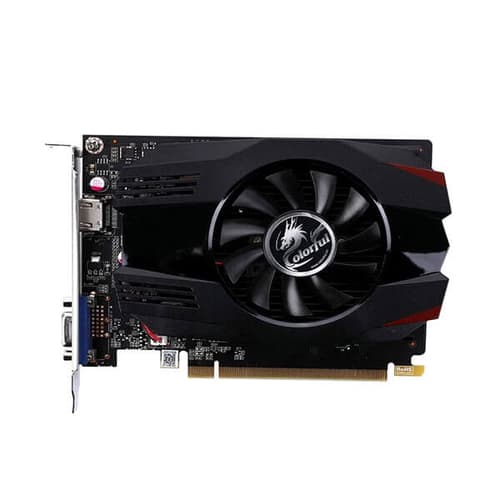
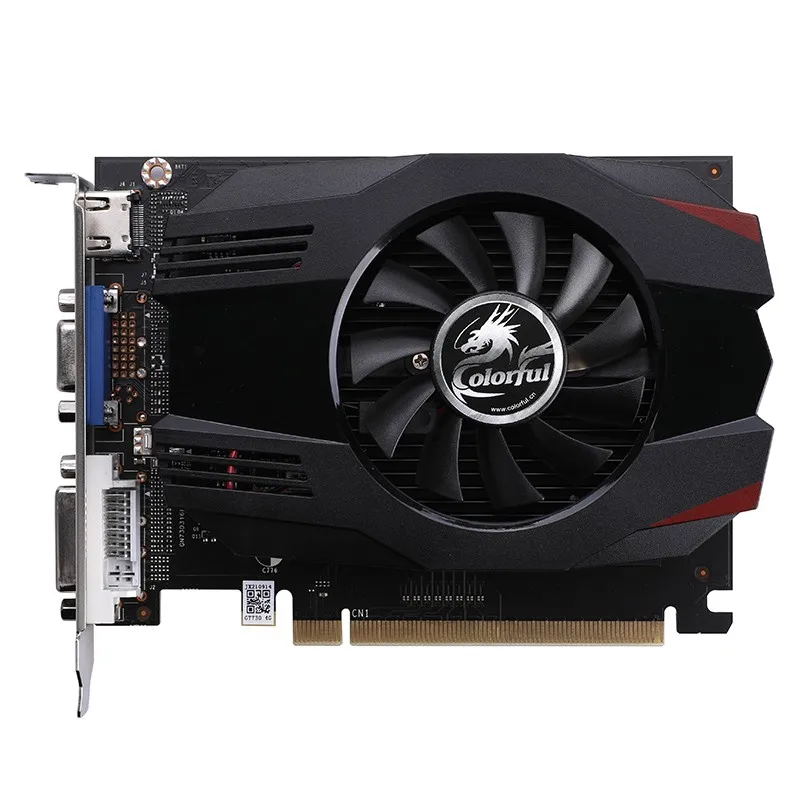
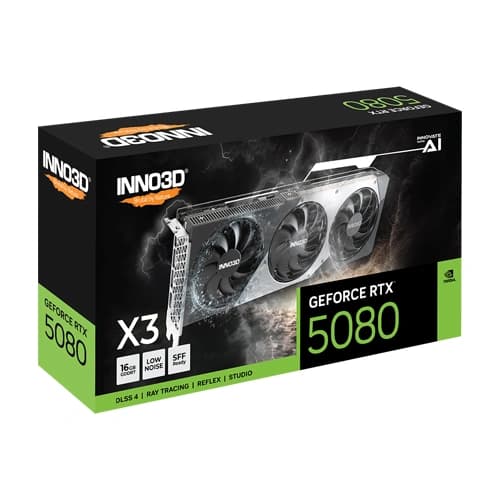
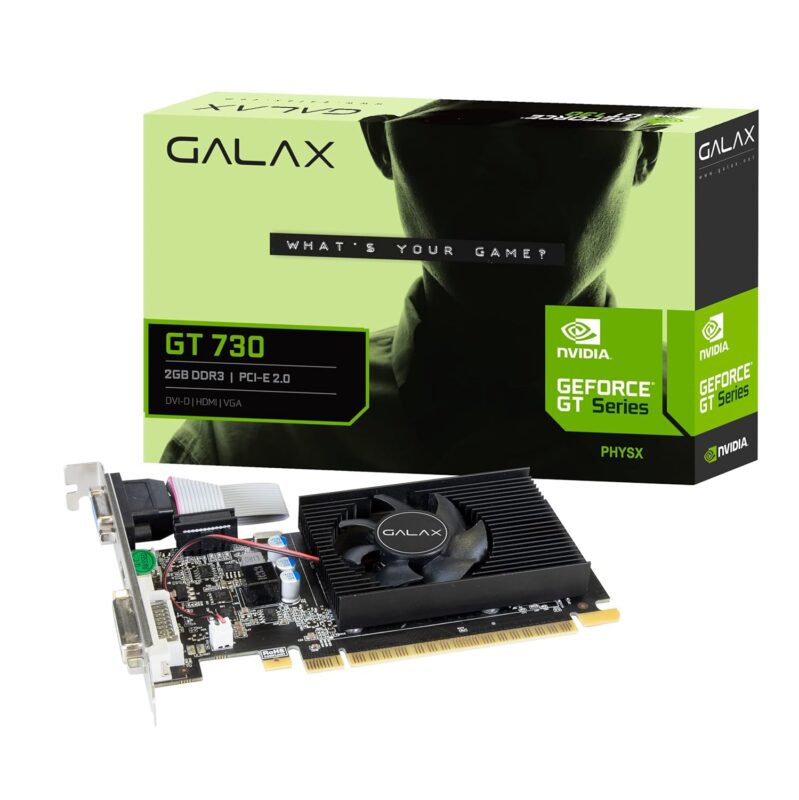
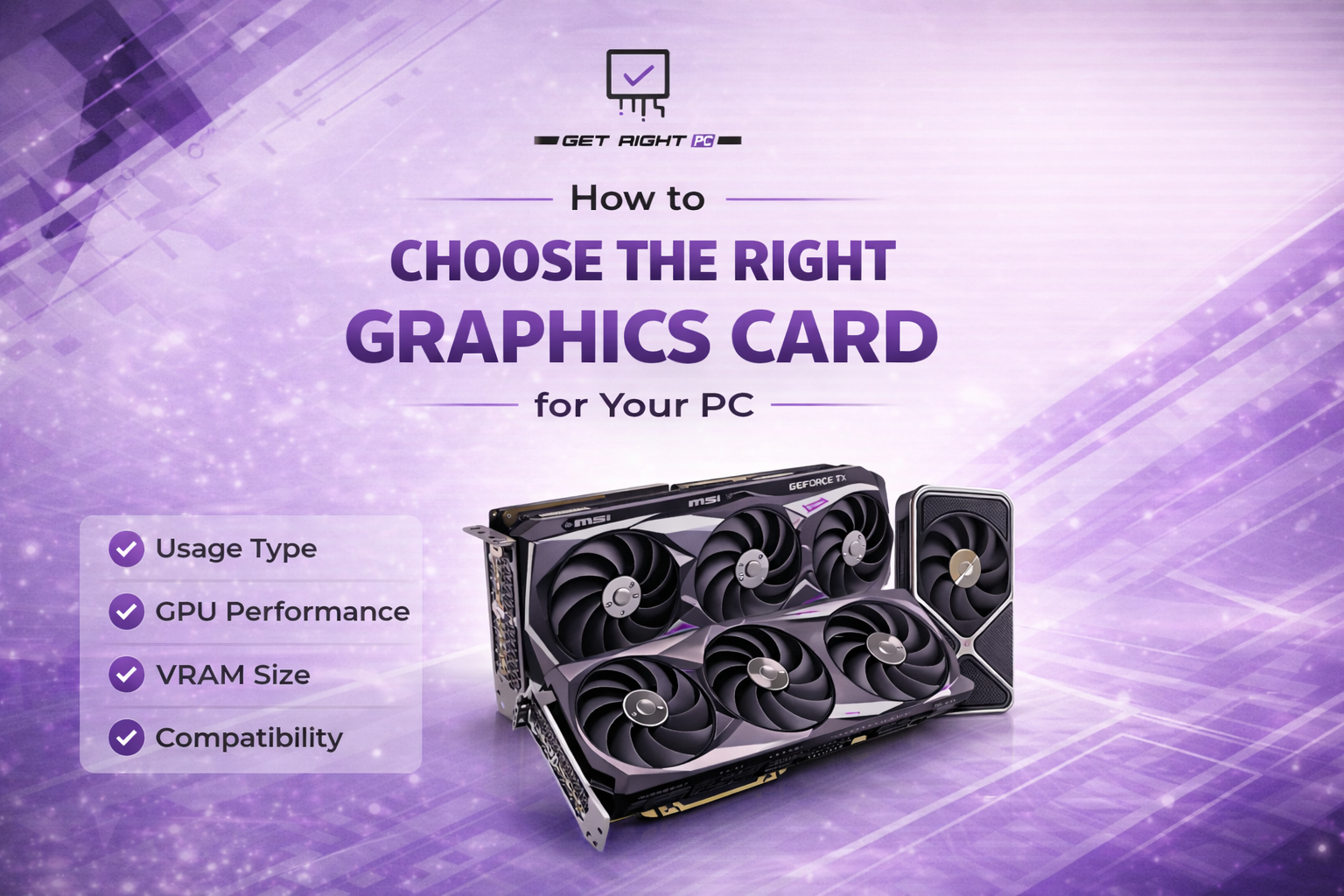
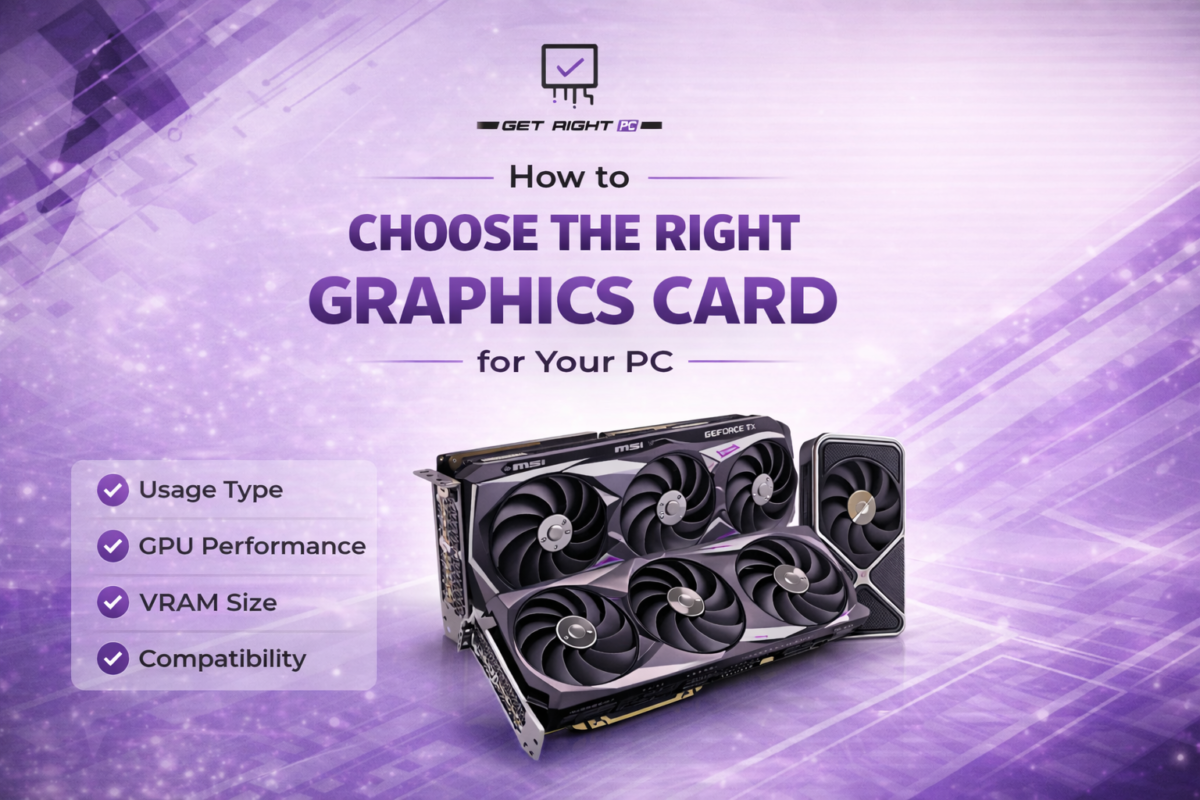
When building or upgrading a PC, one of the most important components to choose is the graphics card. It directly affects how your system performs, whether you’re gaming, editing videos, working on 3D projects, or simply using your PC for daily tasks. With so many options available in the market, picking the right GPU can feel confusing. This guide breaks it down in a simple way, helping you understand what really matters so you can choose a graphics card that fits your needs perfectly.
Why the Graphics Card Matters
The graphics card is responsible for rendering images, videos, and games on your screen. A good GPU ensures:
Smooth gameplay with high FPS
Better visual quality
Faster rendering for editing and design work
Overall system responsiveness
If you’re building a performance-focused PC, the GPU should always be a priority.
Key Factors to Consider Before Buying a GPU
1. Your Usage
Start by understanding what you need the GPU for:
Gaming: Requires a powerful GPU for high FPS and better graphics
Editing & Rendering: Needs strong processing power and VRAM
Casual Use: Basic GPU or integrated graphics is enough
2. GPU Performance (Core Power)
Not all GPUs are equal, even if they have similar specs. Architecture and core performance matter more than just numbers.
Higher-end GPUs deliver:
Better frame rates
Stable performance in demanding tasks
Longer usability for future games
3. VRAM (Video Memory)
VRAM helps load textures and handle high-resolution content.
4GB–6GB: Basic gaming (1080p low-medium)
8GB: Ideal for most modern games
10GB+: Best for high settings, 1440p, 4K, and editing
More VRAM is helpful, but it doesn’t guarantee better performance alone.
4. Resolution & Monitor
Your monitor resolution directly affects GPU choice:
1080p Gaming: Mid-range GPU is enough
1440p Gaming: Requires stronger GPU
4K Gaming: Needs high-end GPU
Always match your GPU to your display.
5. Power Supply (PSU)
Every GPU needs a certain amount of power. Before buying:
Check PSU wattage
Ensure proper connectors
Choose a reliable power supply
6. Compatibility (Very Important)
Make sure your GPU fits your system:
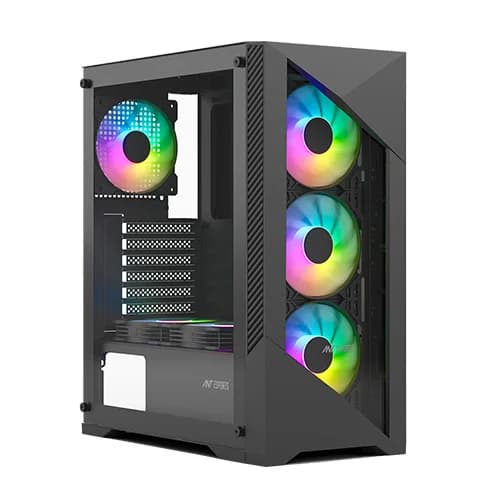
Cabinet space
Motherboard slot (PCIe)
CPU compatibility (avoid bottlenecks)
GPU Selection Guide (Quick Comparison)
Usage Type
Recommended GPU Level
VRAM
Ideal Resolution
Basic Use
Entry-Level GPU
2GB–4GB
1080p
Casual Gaming
Budget GPU
4GB–6GB
1080p Medium
Mainstream Gaming
Mid-Range GPU
8GB
1080p High / 1440p
High-End Gaming
Powerful GPU
10GB+
1440p / 4K
Editing & 3D Work
Workstation GPU
12GB+
4K / Heavy Tasks
Popular GPU Options (2026)
Here are some commonly recommended options based on budget:
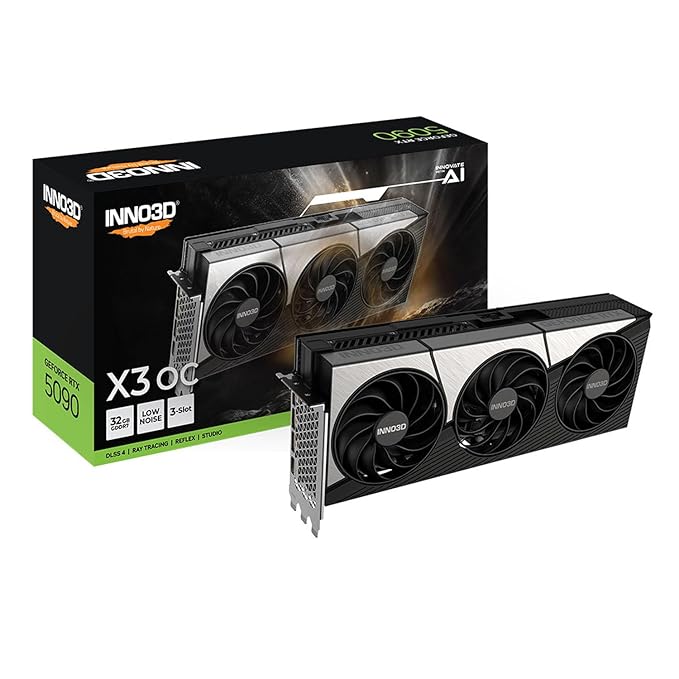
High-End/Enthusiast Range (4K/1440p High Refresh) : NVIDIA RTX 5090 / 4090, NVIDIA RTX 5080 / 5070 Ti / 4080 Super, AMD Radeon RX 9070 XT / 7900 XTX
These GPUs offer a good balance between performance and value.
Why Buy from Get Right PC?
At Get Right PC, we help you choose the perfect graphics card based on your exact needs and budget. Whether you’re building a gaming PC or upgrading your system, you get:
Genuine GPUs from top brands
Expert guidance before purchase
Custom PC builds tailored to your usage
Reliable support after purchase
Final Thoughts
Choosing the right graphics card doesn’t have to be complicated. Once you understand your requirements and match them with the right specs, it becomes much easier to make a smart decision. A well-chosen GPU can completely transform your PC experience — from smoother gaming and higher FPS to faster editing and better multitasking. Instead of chasing the most expensive option, focus on what actually fits your usage and system. The right balance always delivers better long-term performance. If you’re unsure which GPU is right for you, Get Right PC is here to guide you and help you build a system that’s perfectly suited to your needs.