When it comes to choosing the right storage for your PC, the discussion between SSD and HDD is one of the most common. Whether you’re buying a new system or upgrading your current one, understanding the difference can help you make a smarter decision.
At Get Right PC, we help users choose the perfect storage based on their needs — not just what’s popular, but what actually works best for them
What is an HDD?
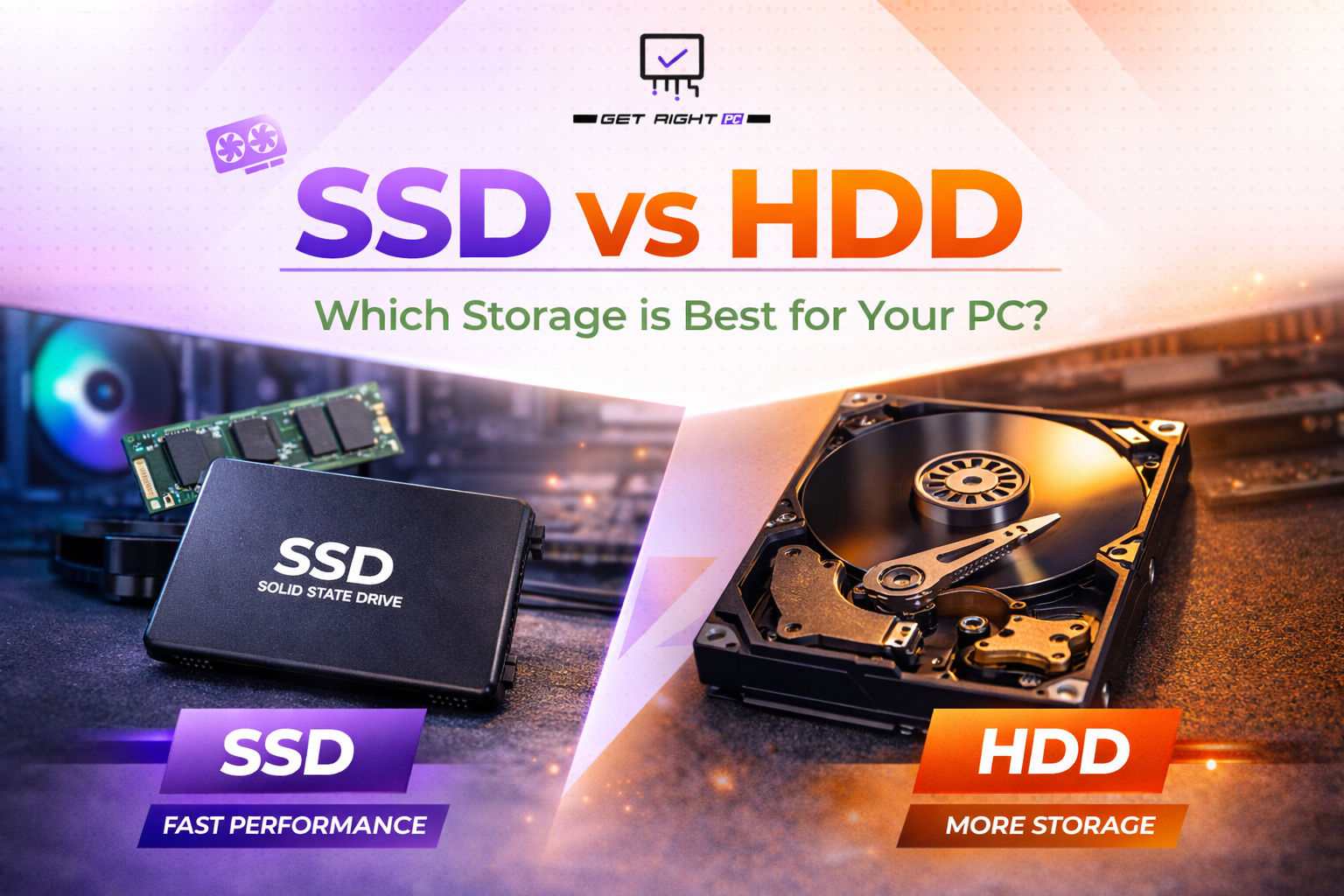
A Hard Disk Drive (HDD) is a traditional storage device that uses spinning disks to read and write data. It has been around for decades and is known for offering large storage capacity at an affordable price.
Key Benefits of HDD: More storage at a lower cost Ideal for storing large files like movies, backups, and games Reliable for long-term data storage However, since it relies on moving parts, it is slower compared to modern storage options.
What is an SSD?
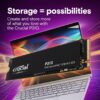
A Solid State Drive (SSD) is a newer type of storage that uses flash memory instead of spinning disks. This makes it significantly faster and more efficient.
Key Benefits of SSD:
Much faster boot time and loading speed
Better overall system performance
Silent operation (no moving parts)
More durable and energy-efficient
If you want your PC to feel quick and responsive, SSD is the way to go.
SSD vs HDD: Key Differences
Feature
SSD
HDD
Speed
Very fast
Slower
Performance
Smooth & responsive
Can feel laggy
Storage Cost
Expensive per GB
Cheaper per GB
Durability
More durable
Less durable (moving parts)
Noise
Silent
Can make noise
Which One Should You Choose?
Choose SSD if:
You want fast performance
You use your PC for gaming, editing, or heavy software
You want quick boot times and smooth multitasking
Choose HDD if:
You need large storage on a budget
You mainly store files, movies, or backups
Speed is not your top priority
Best Option: Use Both
For most users, the best setup is a combination of both:
Use an SSD for your operating system and important software
Use an HDD for storing large files and data
This way, you get the speed of an SSD and the storage capacity of an HDD — the perfect balance.
Final Thoughts
There is no one-size-fits-all answer when it comes to SSD vs HDD. It all depends on how you use your PC. If performance matters to you, SSD is a clear winner. But if storage space is your priority, HDD still holds value. For the best experience, combining both is the smartest choice.
At Get Right PC, we offer a wide range of SSDs, HDDs, and custom PC solutions tailored to your needs. Whether you’re building a new system or upgrading your storage, we’re here to help you make the right choice.